
Commercial Alarm Systems in Sacramento, CA
Commercial alarm systems from Workman Communications detect break-ins, verify them with video, and put control in your hands from any device. We design, install, and integrate Alarm.com-powered systems for Sacramento businesses, from a single storefront to multi-site operations.
Serving Sacramento and the greater Northern California region.
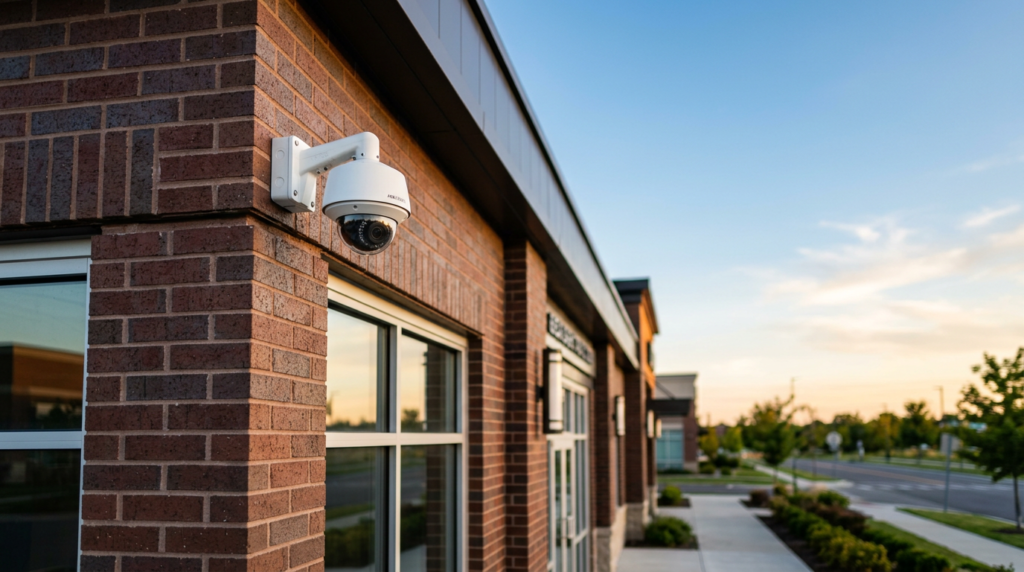
SYSTEM COMPONENTS
What's in a Commercial Alarm System
Every business has a different layout, schedule, and set of risks. We design each alarm system around your building, so coverage matches how your team actually works.
Control Panel & Keypads
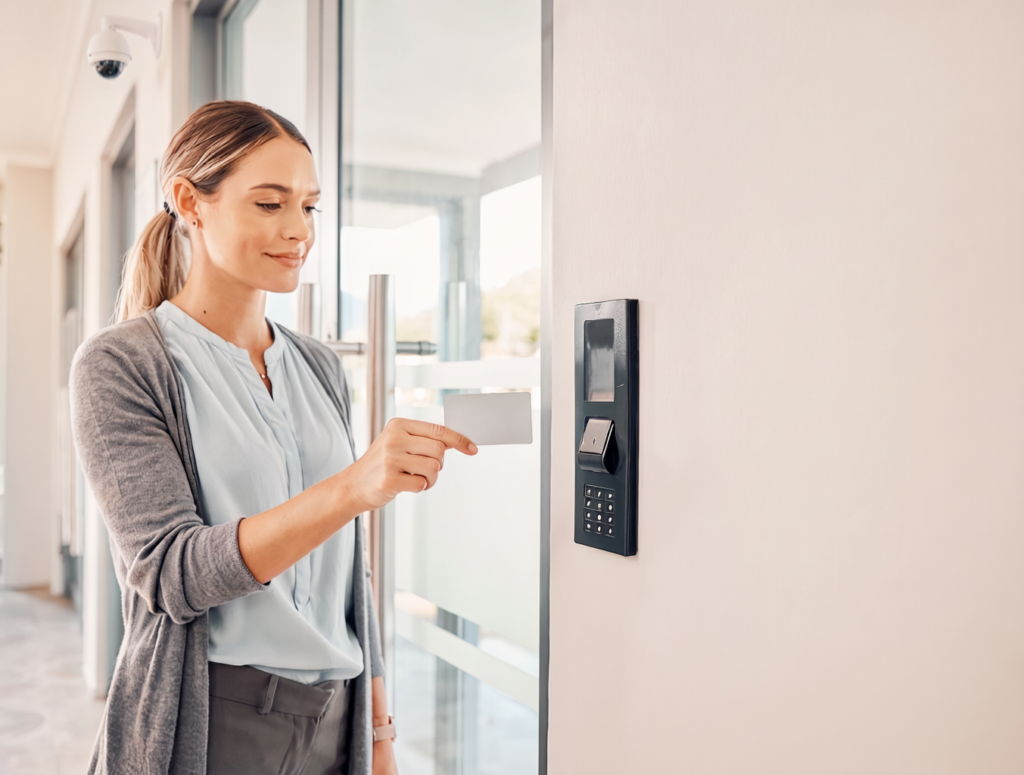
The brain of the system. Keypads, key fobs, and swipe-to-disarm options give each employee their own code and level of access.
Door & Window Sensors
Contacts on entry points signal the moment a door or window opens while the system is armed.
Motion & Glass-Break Detection
Interior motion detectors and glass-break sensors cover open floors, stockrooms, and storefront glass.
Sirens & Panic Buttons
Loud on-site sirens and panic buttons deter intruders and summon help, while a cellular communicator sends signals without relying on your phone line or internet.
THE ALARM.COM PLATFORM
Verify, Control, and Respond
Video-Verified Alarms
Alarm.com can attach video clips to alarm events, so you can see what set the alarm off and decide how to respond. Seeing the event helps cut down on false alarms.
Remote Control & Reporting
Arm and disarm the system, add or expire user codes, and review activity from the app or an enterprise dashboard, at one location or across many.
WHY IT MATTERS
Why Your Business Needs a Commercial Alarm System
Intrusion Detection
Sensors on doors, windows, and interior spaces detect unauthorized entry the moment it happens, day or night.
Professional Monitoring
Pair your system with professional monitoring so alarms get a timely, informed response.
Remote Control
Arm, disarm, and manage user codes from your phone, at one site or across many.
Video & Access Integration
Alarm events, camera footage, and door access live in one system instead of three.
TRUSTED PLATFORM
Alarm Platform We Install

WHO IT'S FOR
Alarm Systems for Every Kind of Business

Retail
Entry, stockroom, and after-hours coverage, with panic buttons at the counter.
Warehouse
Zone-based detection across docks, offices, and high-value storage.
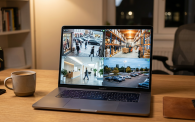
Multi-Site
Arming, users, and reports for every location from one dashboard.
Office
Individual user codes and open/close reporting that fit how your staff works.
ONE UNIFIED SYSTEM
Alarms, Cameras, and Access Control in One System
Your alarm does not have to run on its own. We connect intrusion, video, and access control on the Alarm.com platform, so an alarm event can bring up the matching camera clip and a badge swipe can disarm the system. See our security camera systems and equipment for the cameras we connect.
FAQ
Common Questions
Your system sends a signal to the central monitoring station. A call typically comes through in less than 30 seconds.
No. The central monitoring station handles monitoring. You interact with your system through the Alarm.com app to control the alarm and manage connected devices such as lights, garage doors, and cameras.
Professional alarm companies use a third-party central monitoring station so alarm events are responded to quickly and consistently.
An alarm system detects a break-in or emergency through sensors and signals it with sirens and alerts. Cameras record and show what is happening. Together they are stronger, because video can verify an alarm so you know what set it off before you respond. We install both and connect them on one platform.
Yes. With Alarm.com, video from your cameras can be included in the monitoring process. When an alarm is triggered, the central monitoring station can review the associated video and respond accordingly.
Yes. Workman Communications has the systems, insurance, and licensing in place to fully monitor and secure commercial facilities, including both alarm and video surveillance. Monitoring is provided through a Central Monitoring Station (CMS).
You will use the Alarm.com app to arm and disarm the system and to add or control lights, garage doors, cameras, and other connected building solutions.
Yes. Through the Alarm.com interface you can add lights, garage doors, cameras, and other building solutions so you can control or monitor them from the same app.
Often, yes. Alarm.com works with many existing cameras through standards like ONVIF and is built to unify with access control. We review what you already have and recommend only what is needed.
Commercial alarm panels include battery backup, and a cellular communicator sends signals without relying on your internet or phone line, so protection continues through most outages.
Many California cities and counties require an alarm permit or registration, and some charge fees for repeated false alarms. Requirements vary by jurisdiction, so check with your local city or county. We can point you in the right direction during your site assessment.
Workman Communications holds an ACO (Alarm Company Operator) license, number ACO8128. This license is required to advertise and perform alarm and alarm monitoring services.
Ready to protect your Sacramento business?
Tell us about your building and we will design an alarm system around it. Free quote, no obligation.